
Layout templates
A template decides how wide each ratio becomes and whether it floats. The built-in
autois a curve; a custom template replaces it with range rules.
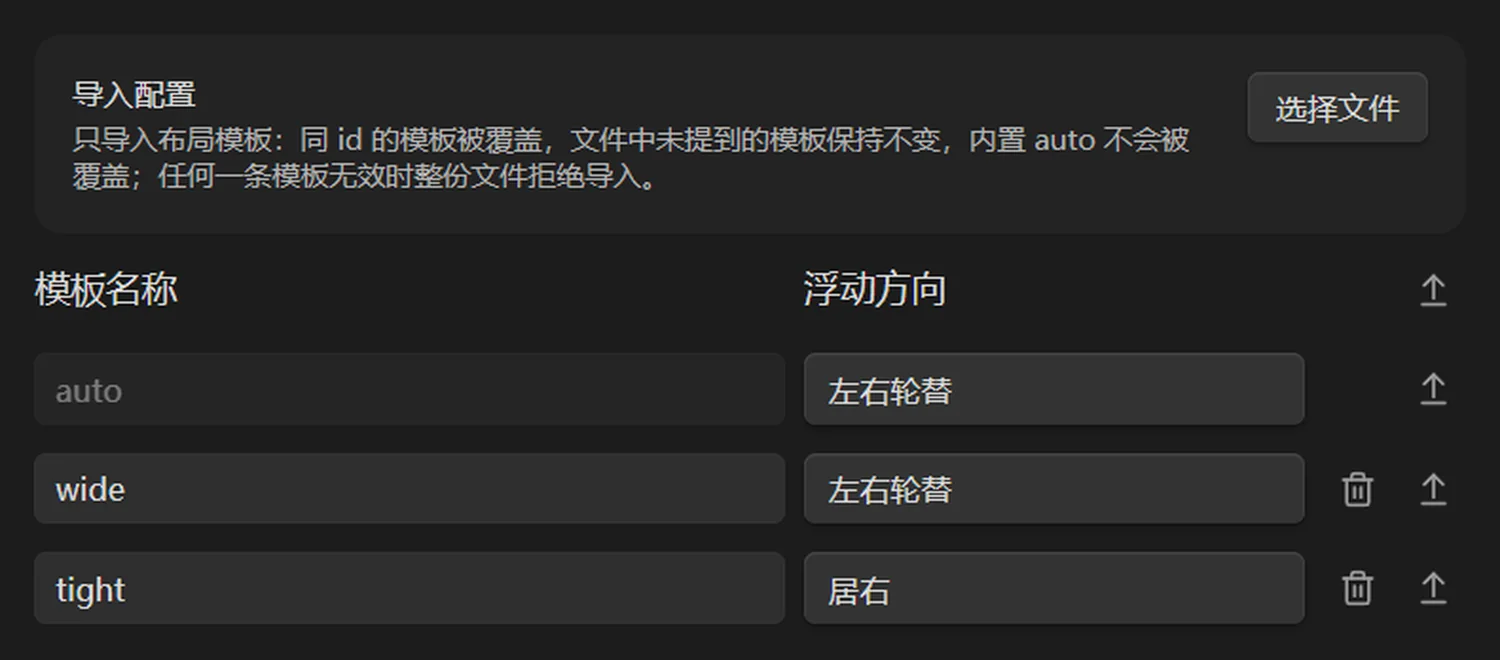
Template rules list ratio ranges, width expressions and float side.
Rule model
A template is a list of rules matched from top to bottom. The first match wins and the rest are skipped. Each rule has four fields:
| Field | Values | Meaning |
|---|---|---|
ratioRange | [0.5,1], (1,3] | image aspect-ratio range (width ÷ height) |
width | a constant or an expression in r | fraction of the content width |
layout | auto / float / fixed | auto follows the float threshold; float forces floating; fixed is a centred block |
side | auto / left / right | float direction; falls back to the template-level floatAlignment |
Whether a bound is inclusive is decided by the bracket itself: [0.75, 1.35] includes both ends, (1.35, 5] excludes 1.35 but includes 5.
A real template
{
  "id": "wide",
  "name": "wide",
  "floatAlignment": "alternate",
  "rules": [
    { "ratioRange": "[0.75,1.35]", "width": 0.68, "layout": "auto", "side": "auto" },
    { "ratioRange": "(1.35,5]", "width": "0.55 + 0.1 * Math.log(r)", "layout": "auto", "side": "auto" },
    { "ratioRange": "[0.2,0.75)", "width": "Math.max(0.32, 0.3 + 0.2 * r)", "layout": "float", "side": "left" }
  ]
}
The first rule covers squares at a fixed 68%, the second lets wide images grow slowly with the ratio, the third narrows portraits and floats them left. Anything outside the three ranges falls back to the built-in routing.
Expressions
width can be a constant or an expression in r. Only these symbols are allowed:
r
Math.log  Math.abs  Math.min  Math.max
Math.pow  Math.floor  Math.ceil  Math.round
A bare min(0.6, r) is rejected — it must be Math.min. Invalid rules already stored in the configuration are dropped silently, with no error, so after importing go back to the settings panel and count the rules.
Two limits
- The settings page can only change a template's name and float direction. It cannot create templates or edit rules — rules arrive only through import.
- Rules apply only to images with no
ag:widthand layoutauto. Once an image carries its own parameters, templates cannot reach it.
Rules versus global settings
A rule's width is still bounded by the global settings:
| Global setting | Effect on rules |
|---|---|
| Float max effective width (60% default) | a rule width above it becomes a block and stops floating |
| Mobile layout breakpoint (600px default) | below that column width everything is a centred block |
| Width gain / median ratio | only affect the built-in auto curve, not custom rules |
When to use a template
- One vault where tutorials want small images and portfolios want large ones — use routing to switch by frontmatter.
- You want a completely different width rhythm — write rules.
- You only need to change one or two images — write
ag:widthinstead of building a template for two pictures.
Next
- Import and export: the file format and its validation
- Frontmatter routing: making a template actually apply