
Grouping: what counts as one row
Images in the same group share one row height. Grouping is decided by blank lines and structure in the source, and it tolerates at most two blank lines.
Rules
| Between two images | Result |
|---|---|
| 0 blank lines | same group |
| 1 blank line | same group |
| 2 blank lines | same group (the limit) |
| 3 blank lines | two groups |
| one line of body text | two groups |
| a heading | two groups |
Three consecutive lines make a row of three:

Blank lines are invisible on screen
Reading view drops blank lines, so 0, 1 and 2 blank lines render with identical spacing — yet the plugin groups them differently. Count blank lines in the source, not gaps on screen.
The group only breaks at the third blank line:
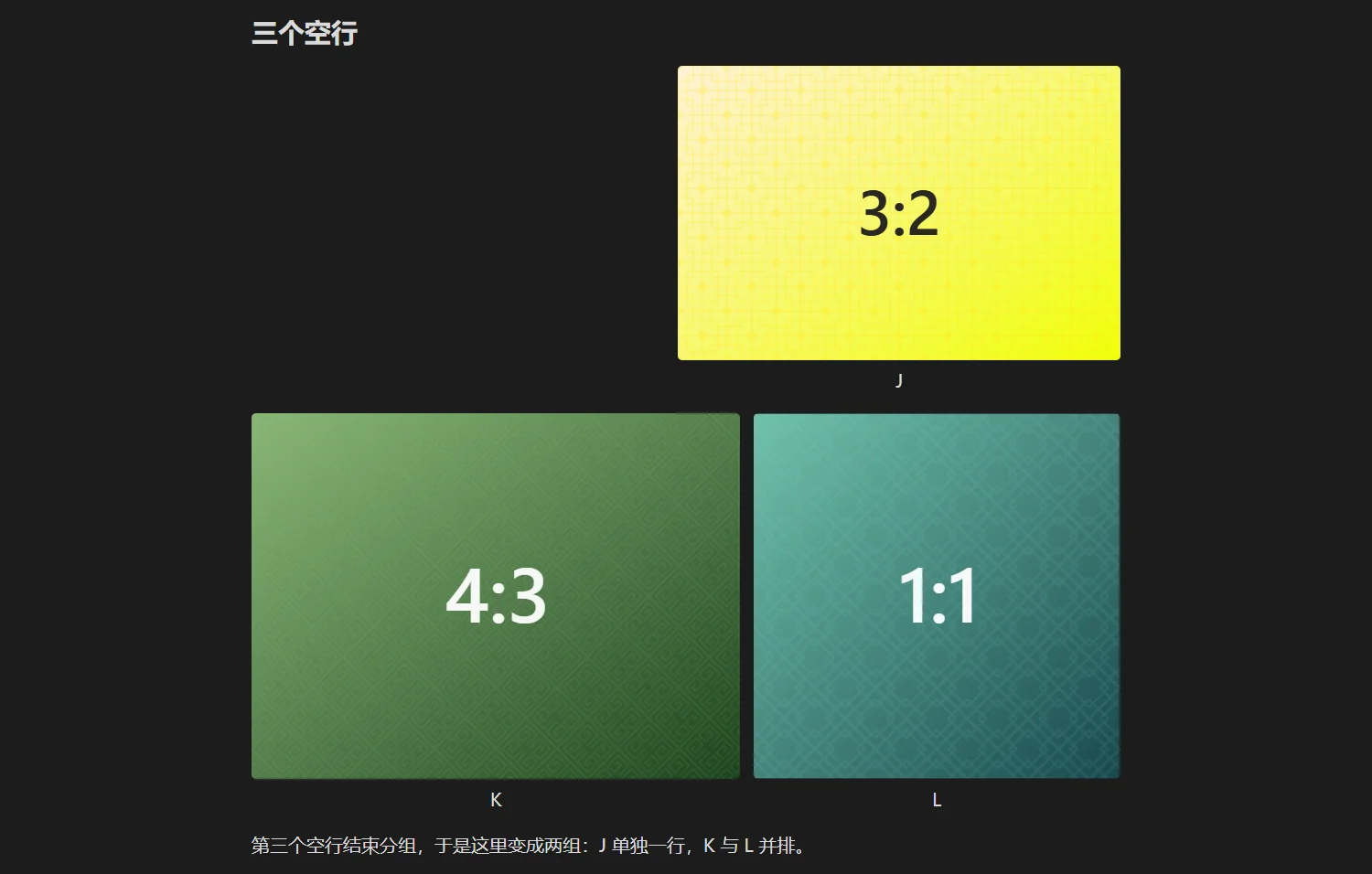
J sits alone; K and L share a row. The only difference is one extra blank line between J and K.
Body text separates without blank lines
A single line of non-empty text ends the group regardless of blank lines:
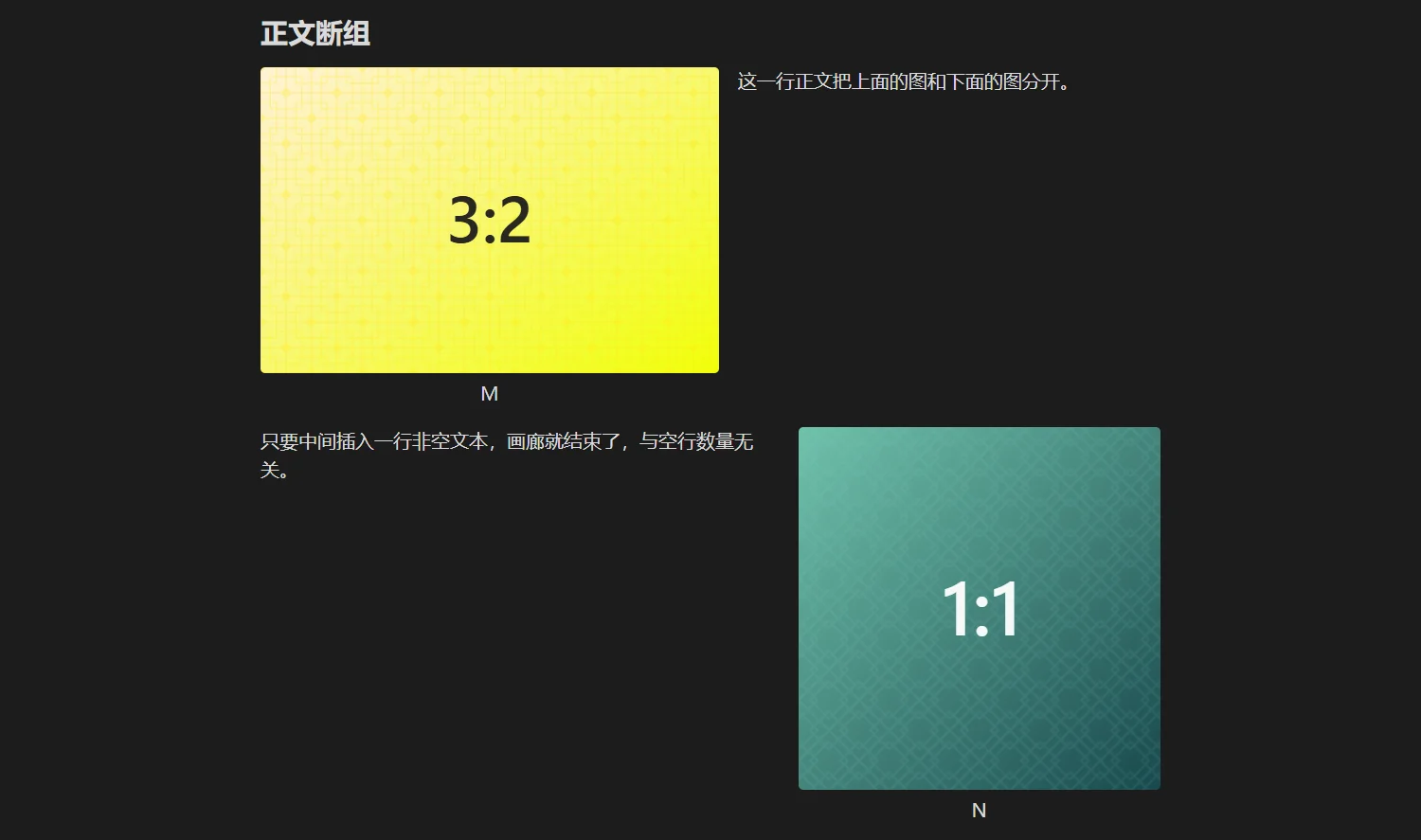
Which means: adding a caption sentence between two images stops them from sitting side by side. If you want both the row and the words, put the text after the whole group.
Headings are boundaries too
Both ## and ### end the current group, and neither gets absorbed into the row above. This is why a set of images that belong together should live inside one section rather than across two.
Forcing an image onto its own row
| Approach | Result | Caption | Plugin takes over |
|---|---|---|---|
| body text before and after | its own group | kept | yes |
ag:isolate | its own group, splits the neighbours | kept | yes |
ag:exclude | handed back to Obsidian | not shown | no |
The difference between ag:isolate and ag:exclude is worth remembering: the first still gets a width from the plugin and still follows routing, it just leaves the gallery; the second is not touched at all, not even for captions. Full list in Annotation syntax.
Common misreadings
- "I left three blank lines and they still sit together" — you counted visual gaps, not source lines. Check in source mode.
- "Two adjacent images are not side by side" — one of them may be
ag:exclude, or they sit in different list items. - "Adding a sentence broke the row" — body text is a separator. Move the sentence after the group, or use the caption field instead.
Next
- Row splitting: how one group becomes several rows
- Row height and orphans: why some images leave the gallery